All security settings are correctly configured. Encryption is enabled, antivirus is active, and the device meets the requirements set by your organization. Intune assigns the device a ‘compliant’ status. But is such a device automatically secure enough? Or can an unauthorized person still gain access to Microsoft 365?
Compliant is not the same as secure
With compliance policies in Intune, you check whether a device meets specific conditions. Through Conditional Access, you can then attach consequences to those checks—for example, by restricting access when a device is non-compliant.
That sounds straightforward. Until you have to determine which conditions are truly important, how much a deviation matters, and what to do if one isn’t right.
Should a single error immediately block all access?
Many organizations start with one large compliance policy: the ‘one size fits all’ principle. Encryption, antivirus, updates, password settings, and other security measures are all checked within the same policy. However, not every deviation has the same impact.
Suppose a device is temporarily behind on a specific configuration. That is inconvenient, but perhaps not an immediate reason to completely deny someone access. Conversely, a disabled antivirus function on a laptop belonging to an employee working with sensitive company data may require a rapid response.
The art, therefore, is to determine in advance which security measures are truly critical and which deviations should have the highest priority. When designing compliance, look beyond the question: what do we want to check? Much more important is the question: what does it mean if this check fails?
Not every deviation requires immediate intervention
That is where the real design of your compliance policy begins. You determine not only what a device must be able to demonstrate, but also what happens if it fails to do so. A laptop that misses an update by a few hours, for example, requires a different response than a device where antivirus has been disabled. In the first case, a user might be given time to resolve the issue themselves. In the second case, you may want to intervene immediately.
“For every check, don’t just look at whether something should be monitored, but especially at the consequences if it isn’t right. That helps determine which checks should carry significant weight and which deviations should be prioritized.”
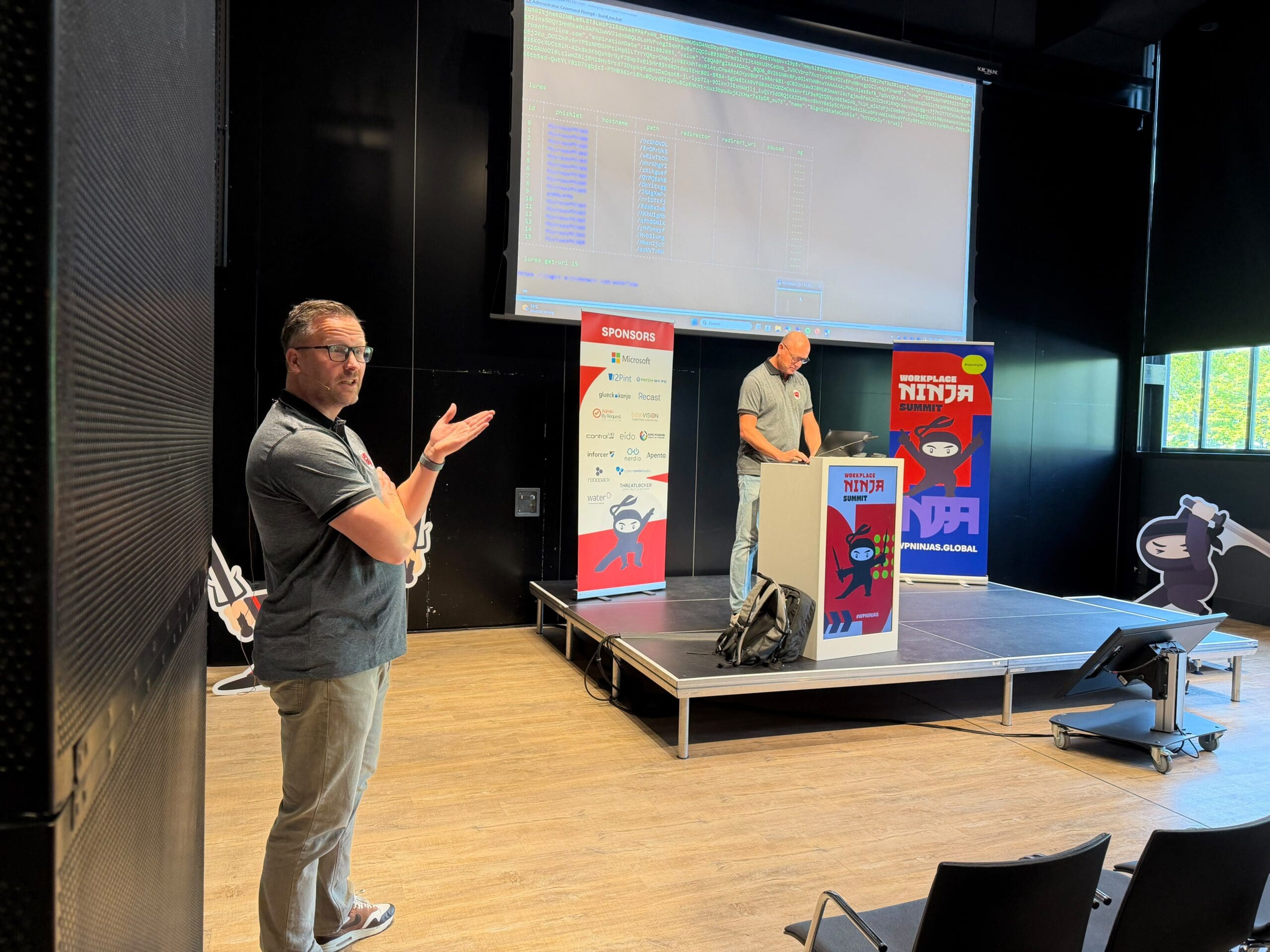
Kenneth van Surksum – Modern Workplace Consultant & MVP
In practice, this often means that compliance is split up. Not because more policies are automatically better, but because different checks represent different risks.
A status doesn’t tell the whole story
Then there is another challenge: Intune gives you a compliance status, but behind that status is information provided by the device and assessed by Intune. The question is not just what the status is, but also what that status is based on. Suppose an employee returns from vacation. The laptop hasn’t been used for a few weeks and hasn’t processed all updates yet. Or a device has been offline temporarily and hasn’t reported a change yet. That doesn’t automatically mean the device is insecure. But you also don’t want to blindly trust a green status without understanding exactly what is being checked.
This is especially important when you link compliance to Conditional Access. A technical status can then have direct consequences for a user’s access.
You must therefore know what information Intune uses, how the status is determined, and whether that information is reliable enough for the decision you link to it.
A standard as a foundation, without a straitjacket
That is precisely why it helps not to reinvent compliance for every device or every department. A good blueprint gives you a solid foundation for security and management, with room to adapt where practical reality demands it. At Secure at Work, we help organizations establish such a workable standard: consistent where possible, flexible where necessary. This keeps Microsoft Intune manageable, even as the environment grows and changes, but above all, it keeps all workplaces secure.
Back to Blogs