In a previous blog post, we looked at what it takes to design an Intune policy effectively. Clear naming conventions, the right assignments, and a controlled rollout form the foundation. But that’s not the end of the story.
Because what actually happens between the time you configure settings in the Intune portal and the moment Windows actually starts behaving accordingly? There’s more technology involved than you might expect based on the portal alone.
A policy is configured in Intune. But is it also on the device?
Suppose you change a setting in the morning. The assignment is correct, and Intune shows that the policy has been successfully deployed. After lunch, you check a laptop, but the setting doesn’t seem to have been applied yet. Is there a problem with the policy? Probably not.
“A policy is only well-designed if, six months later, you still understand why it exists, who it applies to, and what changes it can bring about.”
Joost Gelijsteen – Microsoft MVP for Intune & Windows
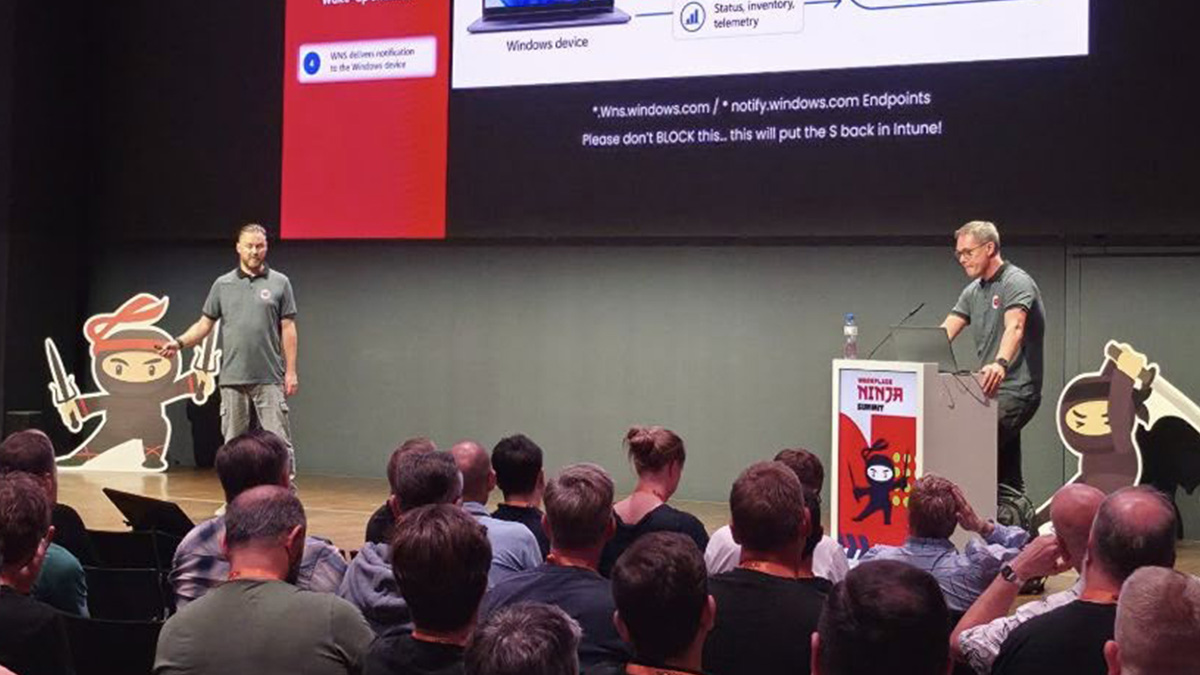
Many administrators still have the impression that a device contacts Intune about once every eight hours and only then retrieves new settings. That fixed time still exists, but it’s actually a fallback. When a change is made, Intune now sends the device a push notification, similar to a notification on your phone: “Check this out—there’s something new.”
That push notification doesn’t contain any settings or apps itself. It simply ensures that the device starts syncing sooner and retrieves whatever is ready. This often happens within a few minutes. However, there’s no guarantee. The device must be online, may still be busy with something else, and not every environment receives new updates at the same time.
So that time lag between “assigned” and “actually applied” remains important. Not only because you might otherwise jump to the conclusion that a policy isn’t working, but mainly because there’s still an entire chain of processes between Intune and Windows.
The path from Intune to Windows isn’t a straight line
There’s one more thing. Intune isn’t just a simple, lightning-fast remote control that lets you change a setting directly in Windows. Windows uses underlying mechanisms to process configurations, including Configuration Service Providers, or CSPs. The way a setting is ultimately processed by Windows is therefore part of the story. This is becoming increasingly relevant because Intune now does much more than traditional MDM configuration. Consider, for example, Endpoint Privilege Management, Device Inventory, Device Query, and real-time actions. These features do not all communicate with a Windows device in the same way. One feature collects information, while another performs an action or retrieves current information. This also means you can’t troubleshoot every feature in the same way. In short, if something isn’t working,
That also means you shouldn’t look for the cause in the same place for every Intune feature. You first need to understand how that particular feature communicates with the device.
Where do you look when something isn’t working?
That’s exactly where device management gets interesting. You can see in the portal that something has been configured and assigned. But if a user reports that the device is behaving differently, you need to look further. Did the policy actually take effect? Was the correct configuration applied? What did Windows do with it? When was the last time the device made contact? And what mechanism does the relevant Intune feature actually use to communicate with the device? Without that technical insight, troubleshooting quickly becomes a matter of trying, waiting, and trying again. With a better understanding of the Intune architecture, you can pinpoint exactly where to look.
Need additional in-depth knowledge about Intune?
Intune is becoming more powerful, but also more complex. Understanding what happens behind the scenes is therefore becoming increasingly important. The possibilities are vast, and so are the challenges at times. Would you like to know what’s happening technically behind the scenes in your Intune environment and how you can gain better control over it? We at Secure at Work would be happy to discuss this with you.
Back to Blogs