Secure At Work is more than just a Microsoft 365 baseline
Secure At Work is more than just a Microsoft 365 baseline
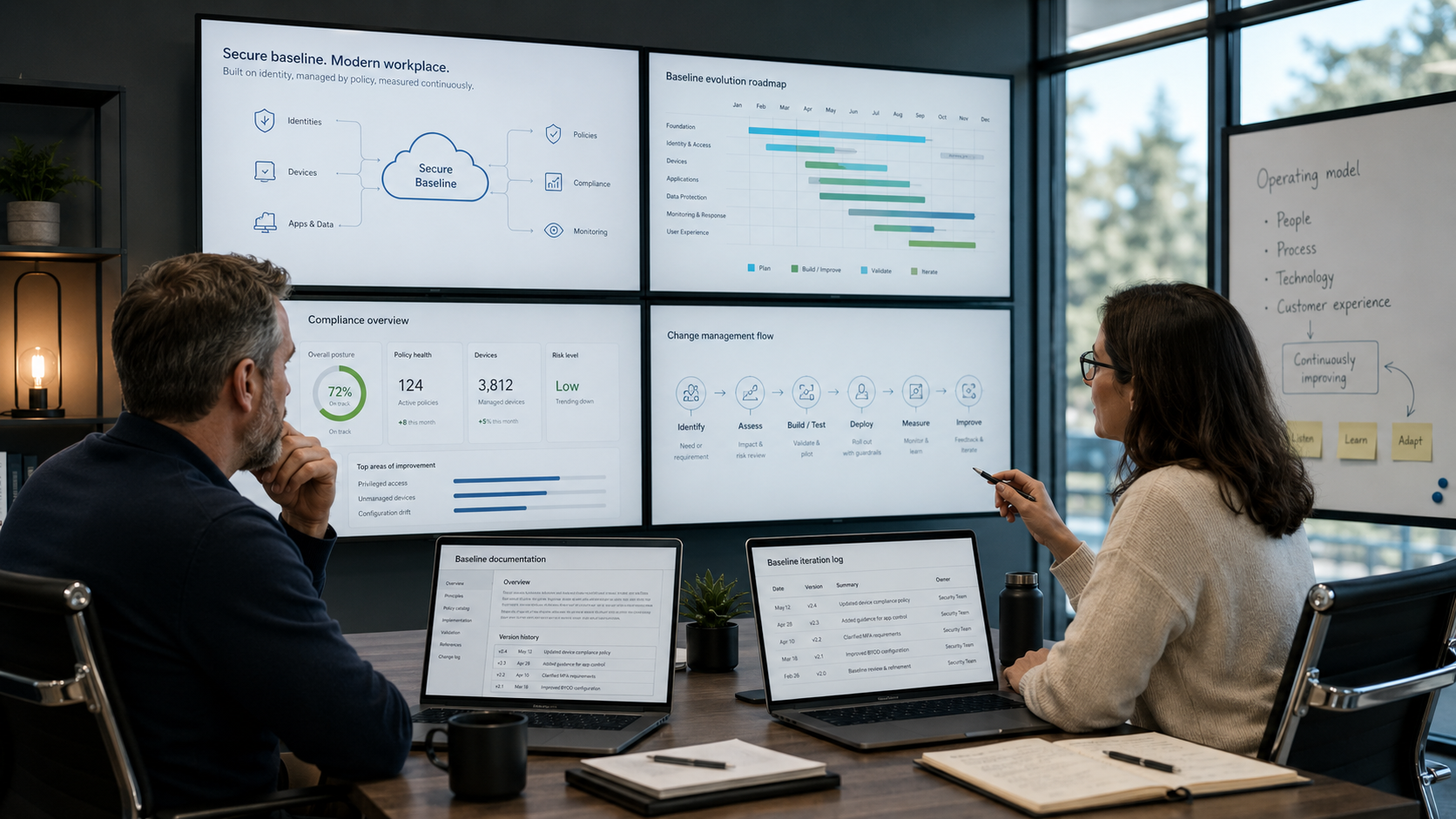
At Secure At Work, we focus on continuously refining our Microsoft 365 baseline throughout the year. Not just during a scheduled session or an annual review, but actually on a daily basis. Sometimes this involves small improvements, sometimes it’s customer questions that prompt us to rethink things, and sometimes we deliberately set aside a full day to dive deep into the baseline with several specialists.
That’s no luxury. Microsoft 365 is constantly changing. New features become available, existing settings change, security recommendations are tightened, and customers face new risks, needs, and exceptions. A baseline that’s good today won’t automatically remain good. You need to keep paying attention to it.
At Secure At Work, we therefore don’t view the baseline as a collection of policies. Of course, policies are important. Conditional Access, Microsoft Intune, compliance, Microsoft Defender, app protection, update policies, and other configurations form an important part of the technical foundation. But the real value lies not only in those settings themselves. The value lies primarily in the decisions behind them.
Why are we implementing this in this way? Why not do it differently? Which target audience does this apply to? What does this mean for the end user? What does this mean for administration? What do we do if a customer has a valid exception? And how do we ensure that a change remains not only secure, but also explainable and feasible?
That’s why Secure At Work is more than just a baseline for us. It’s an operating model for managing and further developing Microsoft 365 environments—a model that brings together security, manageability, user experience, and change.
What helps immensely in this regard is that Secure At Work is not based on a single customer environment or a single theoretical design. The baseline is continuously enriched by real-world experiences. Every client brings its own requirements, level of maturity, exceptions, processes, and challenges. Sometimes this leads to a new scenario in the baseline. Sometimes to a better default setting. Sometimes to better documentation. And sometimes to the realization that while something is technically possible, it isn’t operationally prudent.
These experiences are not limited to a single customer. If we learn something from a customer that has broader applicability, we incorporate it into the ongoing development of Secure At Work. As a result, customers benefit not only from their own implementation but also from the collective experience we gain from all Secure At Work customers.
That’s an important difference.
In many Microsoft 365 environments, the same questions come up sooner or later. How do you handle break-glass accounts? How do you properly configure privileged access? What do you do with shared devices? How do you handle mobile devices? What exceptions are acceptable? How do you roll out changes in a controlled manner? How do you prevent security measures from unnecessarily impacting productivity?
Since we encounter these scenarios more often, we can prepare for them better. Not as a rigid blueprint that’s the same for everyone, but as a well-thought-out starting point. In practice, this means that a client often doesn’t have to start from scratch. It may well be that a scenario a client needs today has already been worked out because another client faced a similar challenge.
That’s what makes Secure At Work so powerful for us. Not because we claim that everything is already complete, but because there’s a process behind it that drives continuous improvement. The baseline evolves alongside Microsoft 365, our own insights, and our customers’ practical experience.
The question, therefore, is not just whether an organization has a Microsoft 365 baseline. The better question is whether there is enough time, focus, and experience available to keep that baseline up to date, secure, and functional.
Because creating policies is one thing. Maintaining a baseline in a Microsoft 365 ecosystem that is constantly changing is quite another.
That is exactly what Secure At Work is designed to do. It offers not only configurations, but also structure. Not only settings, but also choices. Not only a starting point, but also a way to continue improving in a controlled manner.
And yes, sometimes that means two Microsoft MVPs spend an entire day discussing, refining, and improving the baseline. But that’s not the only time this happens. It’s mainly a visible example of something we work on all year round.
Not to make a big deal out of it.
But that’s exactly the kind of attention a good Microsoft 365 baseline requires.